Your AI agent, your voice,
your phone.
You are in control.
ClawShell is the voice-first mobile interface for your self-hosted OpenClaw gateway. Talk to your agents hands-free — on a bike, on a walk, or from your couch. No cloud. No lock-in. 100% free.
Get early access. No spam.
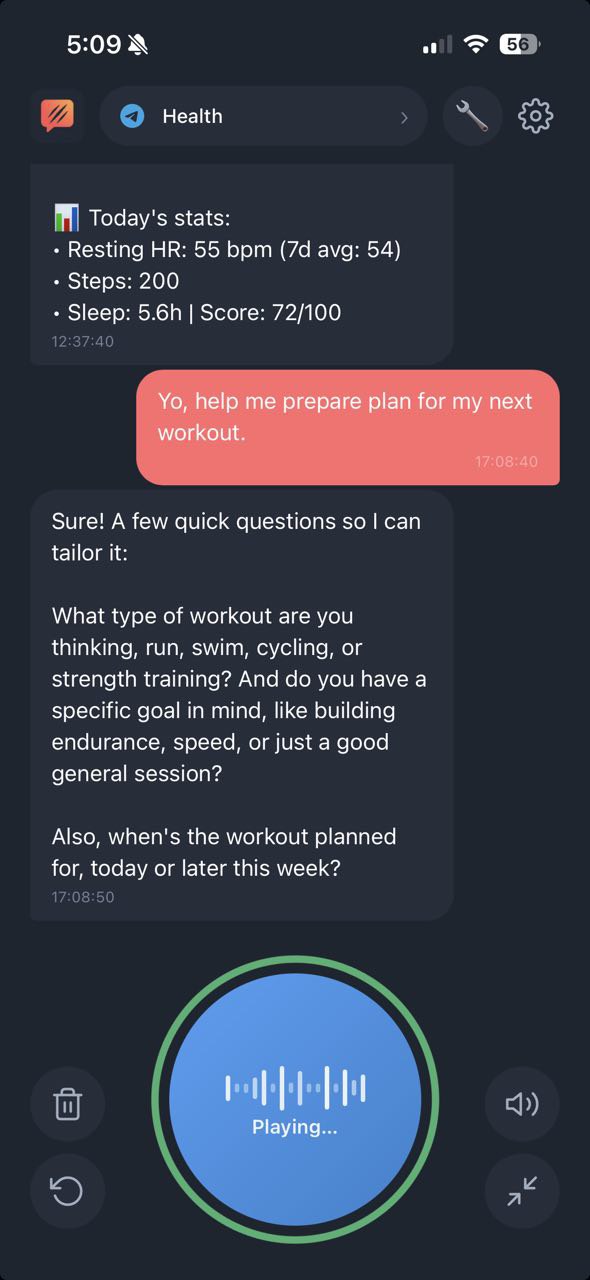
Chat Mode
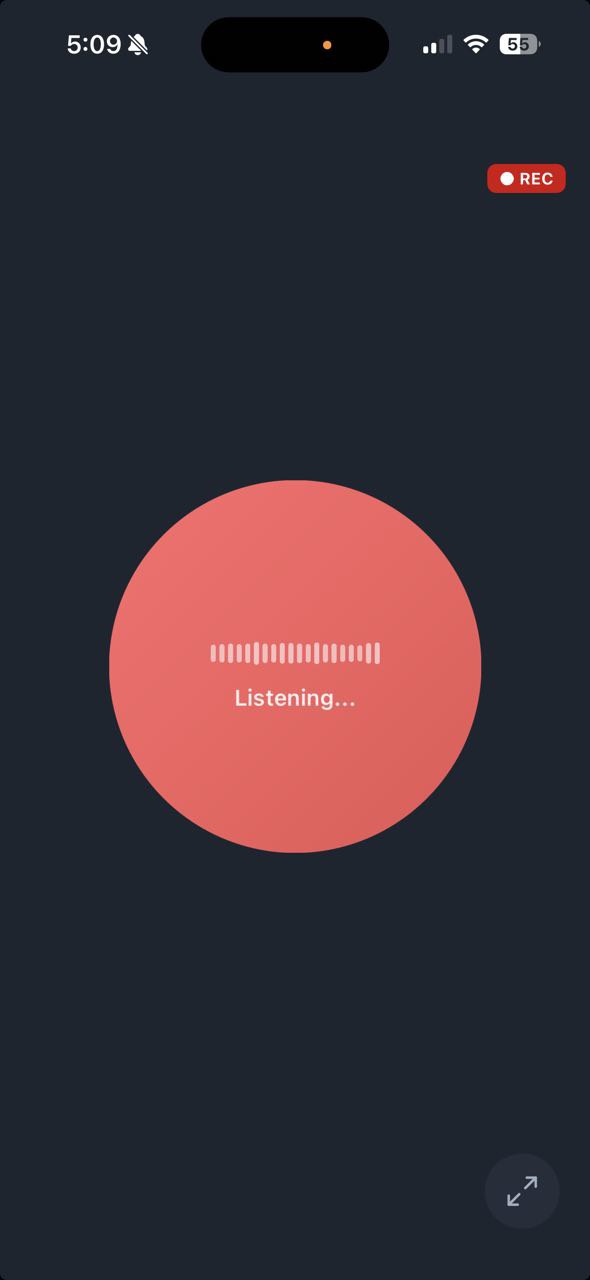
Focus / Bike Mode
# Phone on the handlebars. Eyes on the road.
you › "What's on my calendar today?"
‹ You have standup at 9, then a 1-on-1 with Sarah at 11...
you › "Send Lea a message — picking up Mark at 6"
‹ Done. Sent via WhatsApp.
you › "Switch to work agent, model Claude Opus"
✓ Agent: work | Model: claude-opus-4 | Session: resumed
Everything you need.
Nothing you don't.
Eight features, all working today. All free. No catches.
Push-to-Talk
Tap and hold to speak, release to send. Instant, precise, familiar. Like a walkie-talkie for your AI.
Toggle Mode
Tap once to start, tap again to stop. Hands-free friendly — perfect when you can't hold a button.
Continuous Listening
Adaptive voice activity detection. It hears when you speak, ignores when you don't. Works in noise, works in silence.
Bike / Focus Mode
One giant button. No distractions. Designed for when your phone is on the handlebars and you need eyes on the road.
Speaker Toggle
Switch between earpiece and speaker with a tap. Private mode when others are around, speaker when you're alone.
Multi-Model Selection
Switch between Claude, GPT, Gemini per conversation. Pick the right brain for the job — all from the same interface.
Multi-Agent Support
Personal assistant, work agent, language tutor — switch between agents with a tap. Each with its own context and personality.
BYOK Voice
TTS and STT via your own OpenAI key, stored on your device. Audio is processed client-side — never touches our servers.
Three steps. Zero cloud.
If you run OpenClaw, you're 60 seconds from talking to your agent.
Install ClawShell
Download from the App Store or Google Play. Native app, not a web wrapper.
Connect your gateway
Enter your OpenClaw gateway URL, token, and OpenAI key for voice. All stored locally on your device.
Start talking
Press the button and speak. Your agent responds. Push-to-talk, toggle, or continuous — your choice.
Privacy by architecture,
not by promise.
ClawShell connects directly to your OpenClaw gateway — your Tailscale network, your VPN, your rules. Voice goes through your own OpenAI key. Messages go to your gateway. No cloud relay, no middleman, no account required.
Ready to talk to your agent?
Join the beta. Get early access to ClawShell before everyone else.